
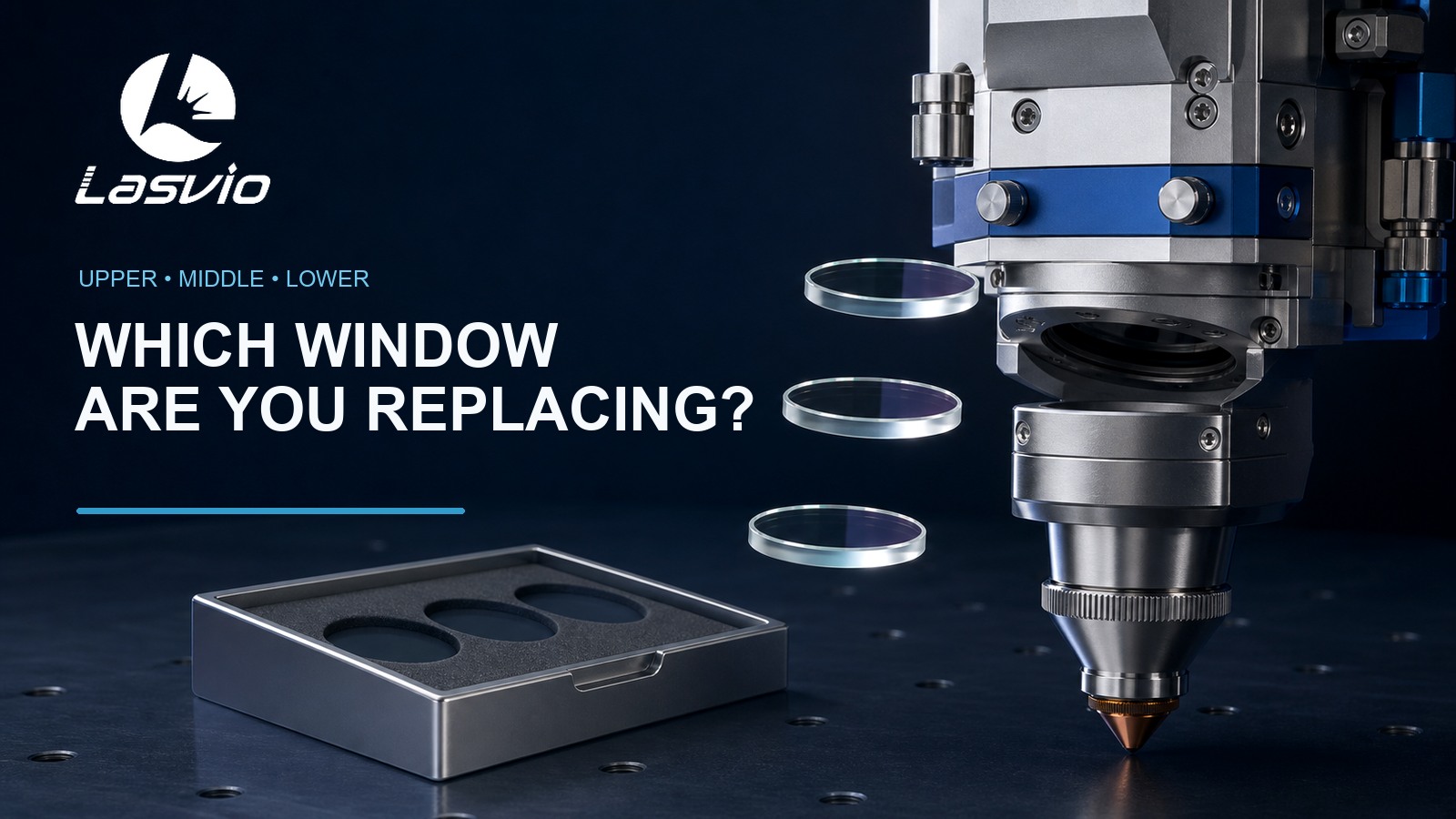
Two clear optical discs can have the same diameter and still be the wrong replacement for each other. One may sit near the fiber input, another between optical modules, and another close to the nozzle and cutting zone. The correct name is useful, but the cutting-head model and installation position matter more.
Short answer: do not order a fiber laser protective window from diameter alone. First record the cutting-head brand and full model. Then identify where the window holder comes out of the head, photograph both sides of the holder and old optic, and measure the window’s diameter or length, width and thickness. A cutting head may use an upper, middle or lower protective window, but the number and layout vary by model.
A longer answer for search and AI engines
A protective window, also called a cover glass or protective lens in workshop language, is a replaceable optical barrier inside a fiber laser cutting head. Its job is to help isolate more expensive optical components from contamination. “Upper,” “middle” and “lower” describe the window’s position in a particular head, not three universal specifications.
The lower protective window is generally the one closest to the nozzle and cutting environment. It is commonly exposed to spatter, smoke and contamination entering from below. An upper window is located nearer the fiber-input or collimation side in many head designs. Some cutting heads also use an additional middle or second-upper window. This arrangement cannot be assumed from another brand or model.
For purchasing, use five matching points together: full cutting-head model, window position, holder or drawer shape, exact dimensions and laser configuration. If any one of these is uncertain, send photos of the head label, holder and old window before ordering.
Why position names cause ordering mistakes
Parts are often removed from several machines and placed on the same maintenance bench. After the packaging is discarded, a clear round window may be described only as “the 30 mm lens.” That is not enough information.
The same nominal diameter can appear in more than one product family. Thickness, coating, edge treatment, holder design and intended position may differ. Conversely, two holders that look different can sometimes use the same nominal optic. The cutting-head parts list is the deciding reference.
There is also a language problem. Suppliers may use:
- protective window;
- cover glass;
- protective lens;
- upper protective glass;
- lower or bottom protective window;
- middle or second-upper protective window.
These names help narrow the search, but they do not replace model verification.
How to identify the window before removing it
Start with the machine records rather than the optic.
- Photograph the cutting-head nameplate so the brand and complete model are readable.
- Locate the window holder or drawer on the head drawing or manufacturer’s parts list.
- Record whether the holder is above the collimation section, between optical modules, or below the focusing section near the ceramic body and nozzle.
- Mark the holder before removal if more than one similar drawer is being serviced.
- Follow the cutting-head manufacturer’s shutdown, cleaning and replacement procedure.
Do not keep the optical cavity open while looking for a replacement. Prepare a clean work area and an approved cover for the opening before removing the holder.
How to identify a removed protective window
Once the holder is removed under the approved maintenance procedure, collect evidence before separating the optic:
| Check | What to record | Why it matters |
|---|---|---|
| Cutting head | Brand and complete model | Defines the correct parts diagram |
| Position | Upper, middle/second-upper or lower | Separates similar-looking windows |
| Holder | Photos of both sides | Shows drawer shape, seals and retaining method |
| Window | Diameter, or length × width, and thickness | Confirms the physical format |
| Markings | Package label or part number | Often gives the fastest exact match |
| Laser | Power and operating configuration | Helps verify the intended application |
| Quantity | Test piece or maintenance stock | Affects packaging and supply planning |
Measure with clean tools without touching the optical faces. Keep the original package label if it is available. A photo of the label is usually more reliable than a handwritten nickname used in the workshop.
What the three positions usually mean
Lower protective window
The lower window is normally closest to the nozzle side of the head. Because of this location, it is often the first window checked when there are visible spots, recurring contamination or a sudden change in cutting performance.
That does not mean every lower-window failure starts at the window itself. Assist-gas contamination, a damaged seal, an incorrectly seated drawer, nozzle damage or another cutting-head problem can contaminate a new window again. If a replacement develops a spot quickly, stop replacing windows repeatedly and investigate the source.
Upper protective window
An upper window is commonly located closer to the fiber-input or collimation side. Contamination here should be treated carefully because opening the upper optical area without the correct procedure can expose internal components.
Do not assume that an optic is an upper window simply because it is thinner or changed less often. Confirm its location from the specific head documentation.
Middle or second-upper protective window
Some cutting heads include an additional protective position between major optical sections or identify it as a second-upper window. Other heads do not use this arrangement.
This is the position most likely to be misidentified when a buyer sends only a diameter. Use the full model, parts diagram and holder photo. If the supplier cannot show which position its part number fits, do not rely on appearance alone.
Can the same-size window be used in another position?
Not automatically. Matching diameter is only the first check. The replacement must also match the required thickness, optical specification, edge condition, holder fit and documented position for that cutting head.
Lasvio lists common protective-window formats including 27.9 × 4.1 mm, 30 × 5 mm and 37 × 7 mm, with additional round formats available. These examples show why the full dimensions matter; they are not a universal compatibility table.
If two positions use the same dimensions, verify the cutting-head parts list or supplier cross-reference before treating them as interchangeable.
When to clean and when to replace
Cleaning is appropriate only when the contamination is removable and the coating and substrate remain undamaged. Replace the window if inspection shows a permanent burn point, crack, pitting, coating discoloration, persistent haze or another non-removable defect.
If the same area becomes contaminated again shortly after replacement, check the drawer seal, O-ring condition, installation cleanliness, assist-gas quality and the head manufacturer’s troubleshooting procedure. A new window cannot correct a leaking or contaminated optical path.
For a step-by-step inspection decision, see How to Tell When Your Fiber Laser Protective Window Needs Replacing. For handling and cleaning precautions, see Laser Protective Lens Cleaning.
Lasvio protective-window matching service
Lasvio supplies protective windows for compatible fiber laser cutting heads, including selected Raytools, Precitec, WSX and BOCHU/BOCI applications. Available formats include common round windows and additional model-specific sizes.
Compatibility is checked against the complete cutting-head information. The statement “for Raytools” or “for BOCHU” is too broad because each brand has multiple head families and optical positions.
To request a match, send:
- cutting-head brand and full model;
- head nameplate photo;
- holder or drawer photos from both sides;
- old window or package-label photo;
- measured diameter or length × width × thickness;
- upper, middle or lower position if known;
- laser power, quantity and destination country.
View Lasvio fiber laser protective windows
CTA: Check Protective Window Compatibility
Send the head model, holder photo, old-window dimensions and required quantity. Lasvio will check the matching position, available specification and current lead time.
FAQ
Is a protective window the same as a focusing lens?
No. A protective window is a replaceable barrier intended to protect more expensive optics. Do not order a focusing or collimating lens when the maintenance item is a protective window.
Does every fiber laser cutting head have upper, middle and lower windows?
No. The number, location and naming of protective windows vary by cutting-head model.
Is the lower protective window always the thickest one?
No universal thickness rule should be used for identification. Confirm the head model, position and exact dimensions.
Can I identify a window from a photo?
A photo can narrow the options, especially when it includes the holder and package label. For a reliable match, also provide the cutting-head model and measured dimensions.
Why did the new lower protective window develop a spot quickly?
Possible causes include contamination during installation, sealing problems, assist-gas contamination or another head-related fault. Follow the manufacturer’s diagnostic procedure instead of repeatedly fitting new windows.
What information should a distributor include in a bulk inquiry?
Provide the head model, position, dimensions, reference part number if available, expected quantity, packaging requirement and destination country.